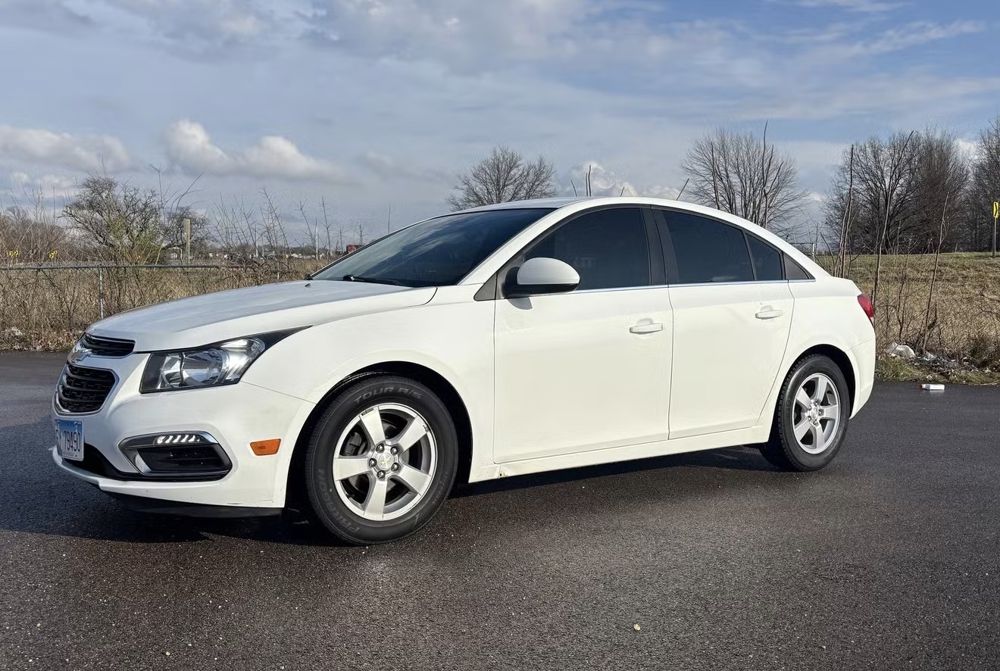
Need reliable transportation for a meeting, project, or work visit? Book a car rental for business travel directly with Rockford Car Rentals.
The online process is simple:
- Choose your dates and location.
- Select a vehicle.
- Add protection.
- Complete the contract.
- Pay online.
You see the daily rate before you book. No middlemen. No hidden fees. Standard insurance and roadside assistance are included on all rates.
Start your booking with Rockford Car Rentals
Before you book
Have these details ready:
- Pickup date and time
- Return date and time
- Pickup location
- Driver’s license information
- Payment card
- Business travel dates and meeting schedule
Rockford Car Rentals offers pickup at the Rockford main office and Rockford Airport. Select the location that fits your schedule.
IMPORTANT: Reservations must be made at least 1 hour before pickup.
IMPORTANT: Out-of-state driving is not allowed. Rentals are for Illinois travel only.
Step 1: Choose your dates and location, About 1 minute
Open the direct booking page and select Date & Location.
Enter:
- Pickup location
- Pickup date
- Pickup time
- Drop-off date
- Drop-off time
Use the times from your work schedule. If you have a morning meeting, allow enough time for pickup and travel. If you are flying into Rockford, use the airport location when available.
Rental pricing is based on the selected rental period. Daily rental rates are shown during the booking process, so you can review the cost before continuing.
Business travel tip: match your times
Try to return the vehicle at a similar time to your pickup time. This helps keep the rental period clear and avoids unnecessary additional time.
For longer projects, check for weekly or monthly rates. A weekly or monthly rental may be easier to manage than booking several separate daily rentals.
Step 2: Select the right vehicle, About 1 minute
After entering your dates, select Choose Vehicle.
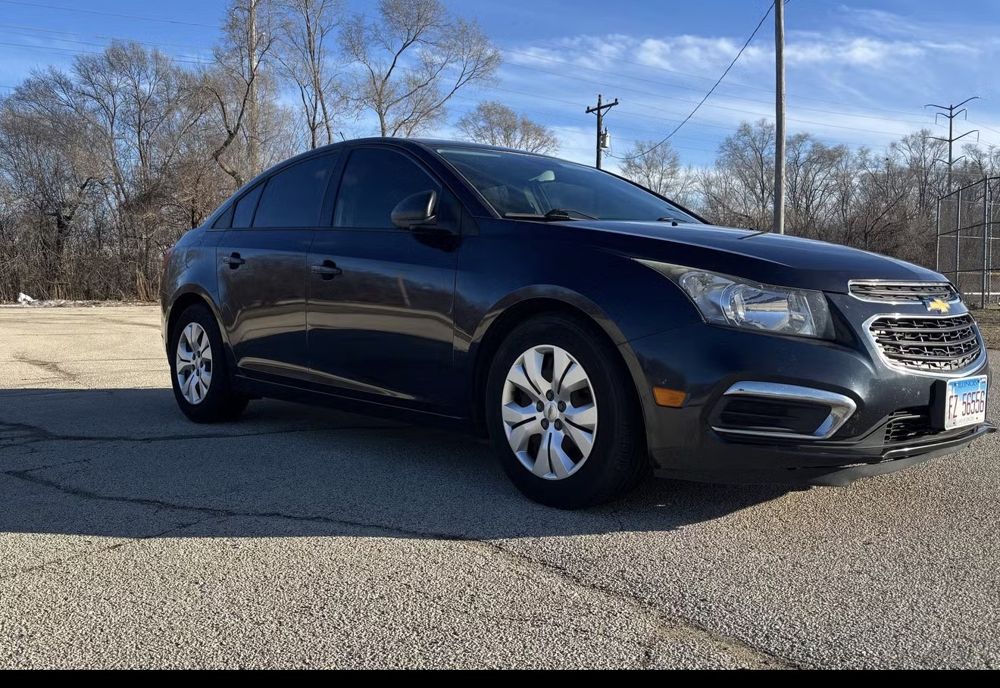
Pick the vehicle class that matches your work needs:
Compact or economy vehicle
Choose this option for:
- One traveler
- Local meetings
- Lower fuel use
- Simple city driving
- Budget-focused business trips
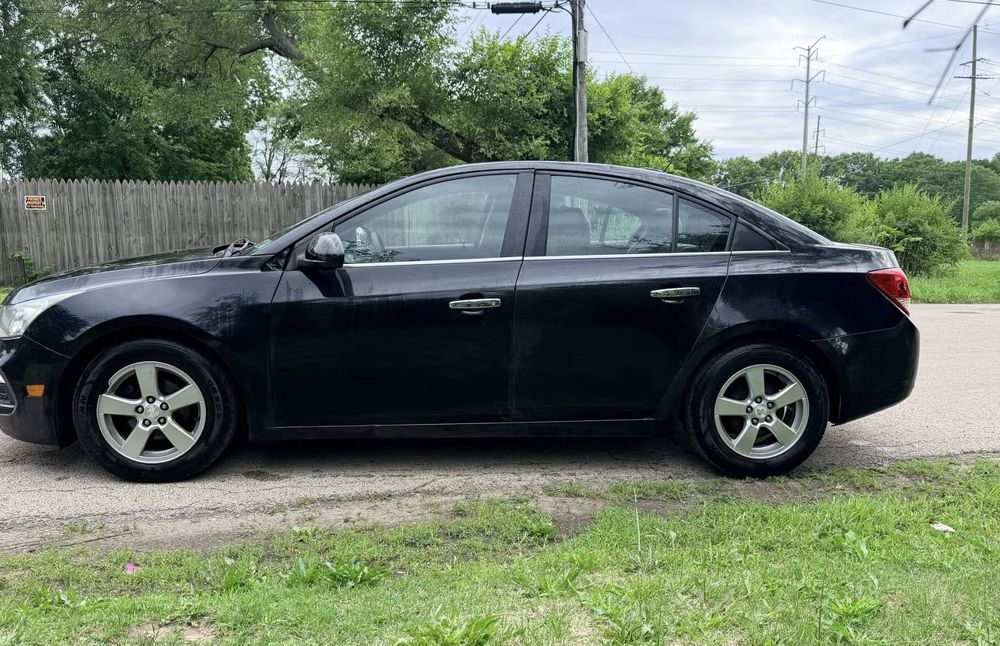
Midsize sedan
Choose a midsize vehicle for:
- Several meetings across Rockford
- Extra luggage
- A more comfortable workday
- Regular highway travel within Illinois
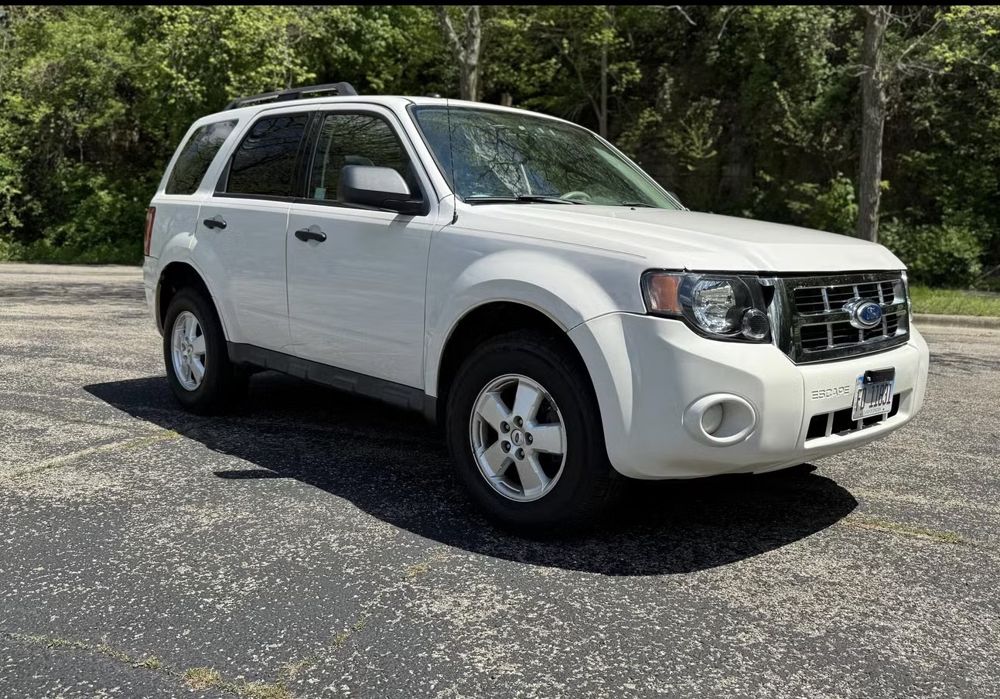
SUV
Choose an SUV when you need:
- Additional passenger space
- More room for work equipment
- Extra cargo capacity
- A larger vehicle for a longer project
Do not select a larger vehicle unless you need the space. The right vehicle class keeps your daily car rental rates easier to manage.
Step 3: Add protection and insurance, About 1 minute
Next, select Protection.
Rockford Car Rentals includes standard insurance and roadside assistance on all rates. Review the available protection options shown for your reservation and select the coverage that fits your trip.
Protection can help you avoid delays if you have a roadside issue during your rental. It also gives you a clear record of what is included in the reservation.
Check your company’s travel policy before booking. Your employer may require:
- A specific protection level
- A specific vehicle class
- A company payment card
- A receipt showing the full rental cost
- A named driver on the contract
If you have questions about protection or business-use requirements, contact Rockford Car Rentals before completing the reservation.
Review the protection cost and coverage before moving to the next step.
Step 4: Enter your information and complete the contract, About 1 minute
Select Your Info and enter the required details.
Use the same information that appears on your driver’s license and payment card. Check the spelling of your name, email address, and phone number.
You may need to provide:
- Full name
- Email address
- Phone number
- Driver information
- Payment details
- Pickup and return information
Then complete Contract.
Read the contract before accepting it. Confirm:
- Rental dates and times
- Pickup and drop-off location
- Vehicle class
- Daily rate
- Protection or insurance selections
- Included roadside assistance
- Fuel requirements
- Mileage terms
- Illinois-only travel restriction
- Cancellation terms
Rockford Car Rentals provides free cancellation up to 24 hours before pickup. Keep this deadline visible in your calendar.
IMPORTANT: Cancellation must be completed at least 24 hours before pickup to qualify for free cancellation.
Step 5: Pay online and save your confirmation, About 1 minute
The final stage is Payment.
Review the total shown on the booking page. What you see is what you pay. Rockford Car Rentals uses direct booking, so there is no third-party booking middleman adding a separate marketplace fee.
Complete payment online and save the confirmation.
For business expenses, keep:
- Booking confirmation
- Payment receipt
- Contract
- Pickup and return details
- Final invoice or receipt
- Protection information
Send the documents to your company email or expense folder immediately. This keeps reimbursement simple after the trip.
Five-minute booking recap
| Booking stage | Estimated time |
|---|---|
| Select location, dates, and times | 1 minute |
| Choose a vehicle | 1 minute |
| Add protection | 1 minute |
| Enter information and complete contract | 1 minute |
| Pay online and save confirmation | 1 minute |
| Total | About 5 minutes |
Your actual time may vary if you need to compare vehicles or review company travel requirements. The booking flow is designed to move from Date & Location through Choose Vehicle, Protection, Your Info, Contract, and Payment in a clear six-step process.
Business travel checklist
Use this quick checklist before you leave:
- Booking completed at least 1 hour before pickup
- Pickup location confirmed
- Return date and time confirmed
- Vehicle class matches your trip
- Protection selected and reviewed
- Standard insurance and roadside assistance confirmed
- Illinois-only travel requirement understood
- Booking receipt saved
- Contract saved
- Cancellation deadline noted
- Driver’s license ready
- Payment card ready
Choose the right rental period
A daily rental works well for:
- One-day meetings
- Short business visits
- Airport transportation
- Local temporary transportation
- Quick project assignments
A weekly or monthly rental may work better for:
- Multi-day training
- Extended assignments
- Temporary work locations
- Local replacement transportation
- Longer business projects
Ask about the available rental period before booking. Choosing the correct term can reduce repeated bookings and simplify expense reporting.
Why book directly?
Direct booking keeps the process straightforward.
With Rockford Car Rentals, you can:
- View transparent daily rental rates
- Book without a middleman
- Complete the process online
- Select a vehicle for your budget
- Add protection during booking
- Receive standard insurance and roadside assistance
- Cancel free up to 24 hours before pickup
- Choose weekly or monthly options for longer needs
You do not need to compare several third-party booking pages to complete a basic business rental. Select your dates, choose your vehicle, review the protection, complete the contract, and pay.
Book your Rockford business rental
For business travel, keep the process simple:
- Select the correct dates.
- Choose a practical vehicle class.
- Review the daily rate.
- Add protection.
- Complete the contract.
- Pay online.
- Save your documentation.
Start your car rental for business travel directly with Rockford Car Rentals.
Need help before booking? Call 815-420-4447 or email Velocityrentals2@gmail.com.
Ready to book your business rental?
Check availability and review the full terms for your dates.
Check Availability